Sending flowers to someone in another city
You do not have to be in the same city as the person receiving the flowers. What matters is that the order is marked with the right recipient city, that we have what we need to hand the flowers over, and that you know what is confirmed before any money changes hands.
Fresh Petals takes orders for 59 cities across India. This guide follows an order from choosing the city to the confirmation on WhatsApp.
By Fresh Petals. Updated .
1. Choose the recipient city
The recipient city is where the flowers are going, not where you are. Check it against the list of 59 delivery cities. Neighbouring cities are listed separately (Delhi, Noida, Greater Noida and Gurugram are four different entries; so are Mumbai, Thane and Navi Mumbai), so choose the one the address is actually in.
Being on the list means we take orders for that city. Whether we can deliver to a particular address on a particular date is confirmed for each order. A pincode is not needed to start.
South India: Bengaluru, Chennai, Coimbatore, Hyderabad, Mysuru, Vijayawada, Visakhapatnam
West India: Ahmedabad, Mumbai, Pune
North India: Delhi, Gurugram, Jaipur, Noida
East and Central India: Kolkata
These cities have their own page with designs and advice for that city. Every other city on the list can be ordered for in the same way.
2. Choose the design
Start from the occasion if you know it: birthday, anniversary, or another occasion. Start from the flower if you know the person's taste. The bouquet guide compares roses, lilies and mixed bouquets; these three show the range.

Red Affair
Red roses and fresh rose foliage, in premium white wrapping.
Price on WhatsApp
Request a quote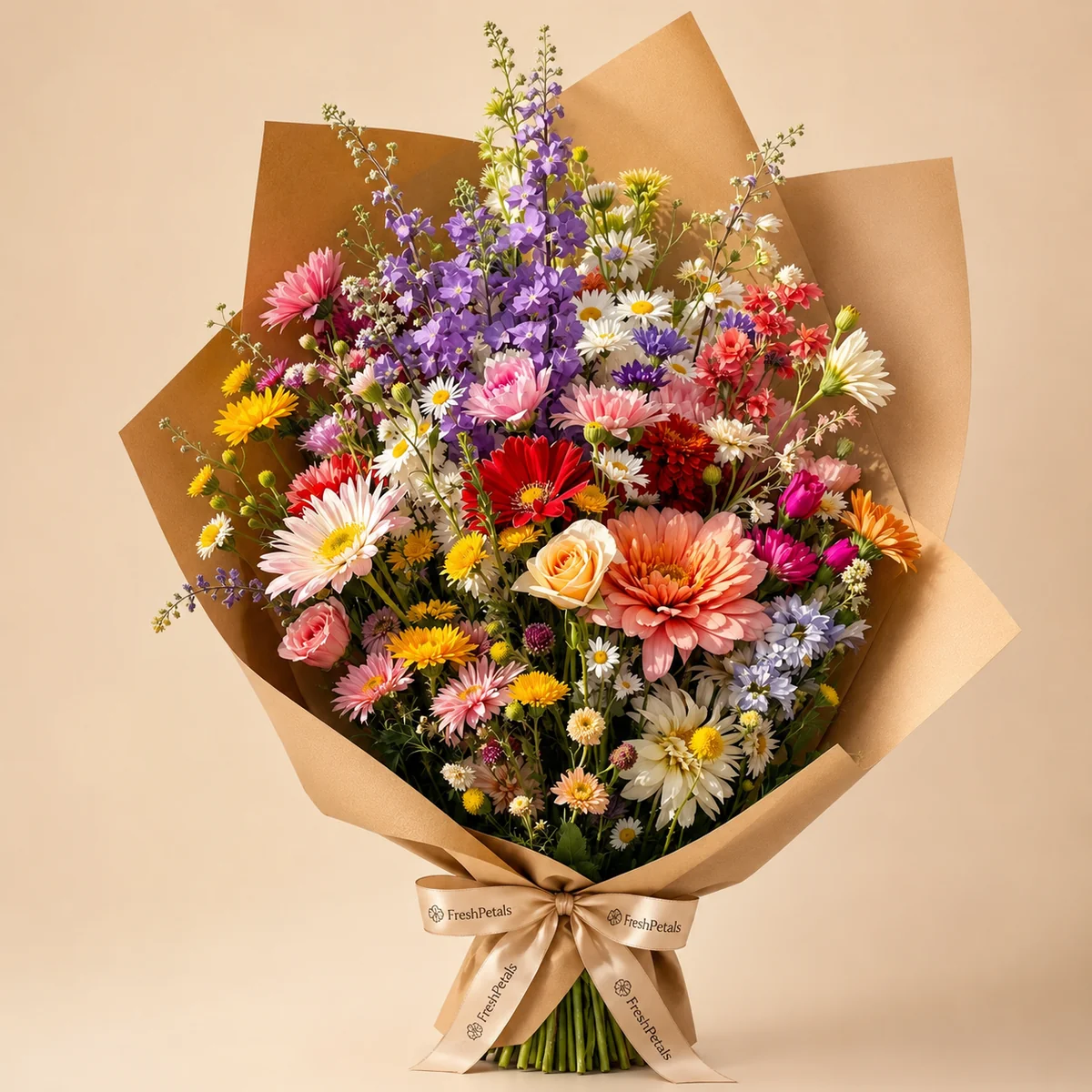
Colourful Confession
Gerberas, roses, daisies, purple fillers and seasonal mixed flowers, in kraft wrapping.
Price on WhatsApp
Request a quote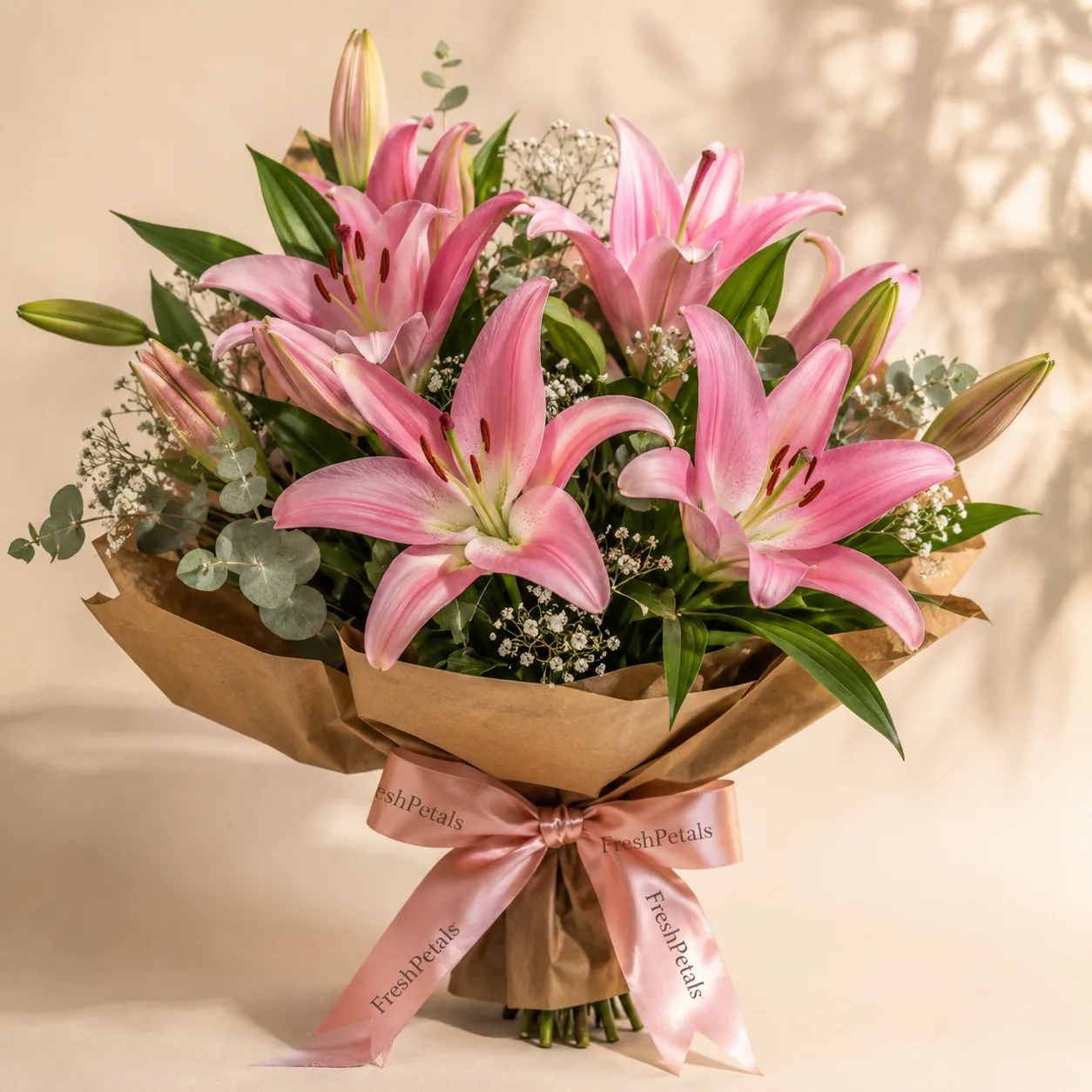
Blush Lily Letter
Blush lilies, lily buds and fresh greenery, in premium wrapping.
Price on WhatsApp
Request a quote
For a ceremony, wedding garlands are chosen by design code and pooja flowers by form; each has its own guide.
3. Give the receiving details
The basket asks for these when you send your order:
- The recipient's name and a phone number that will be answered at the address.
- The full address with a landmark. For a flat, the building and flat number; for an office, the company, the floor and the hours someone can accept a delivery.
- The date, and the time of day you would prefer.
- A card message if you want one, signed, so the recipient knows who sent it.
- Whether the flowers are a surprise.
A preferred time is a request. We do not promise same-day or timed delivery on the website; what is possible for that address and date is part of the confirmation.
Changing the recipient city
Your order has one recipient city. It is shown on product pages and in the basket, and you can change it there at any time. Looking at another city's page does not change it once your basket has something in it: the page asks whether you want to send the order there instead, and the city changes only if you say so.
If you are sending to two cities, send two orders. One basket goes to one city.
4. What is confirmed before you pay
Sending your basket opens a WhatsApp message with your selection, the recipient city and the details you entered. It is a request, not an order. We reply to you, the sender, with:
- Whether the flowers are available for your date, and any substitution.
- The price. Bouquets and garlands are quoted; other products confirm the price shown.
- Whether we can deliver to that address on that date, and the delivery charge.
- How to pay. Nothing is paid on this website, and we never ask for OTPs or banking passwords.
The order is accepted only after you agree to these. See delivery information and refunds for the policies, or contact us with a question first.
More guides
- Choosing a flower bouquet
Roses, lilies or mixed; wrapped or in a vase; which designs are listed for which occasion.
- Choosing a wedding garland
Rose, lotus and tuberose designs compared in photographs, design codes, and what to confirm about pair, length and date.
- Jasmine, pooja flowers and gajra
Loose flowers or finished gajra, the two pooja boxes, baskets, and bulk requirements.